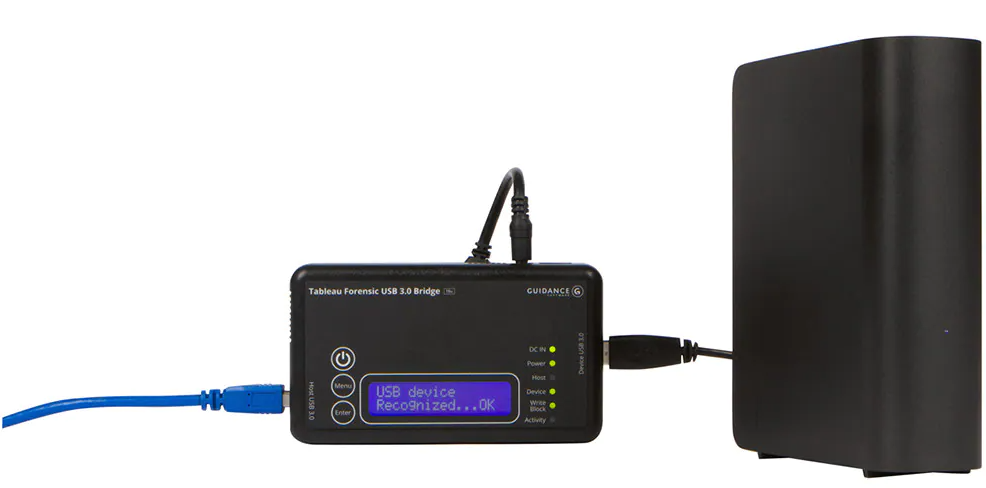
STEP 1: Write-Blocker Setup
caution
If you do not have access to a write-blocker and are willing to accept the risk of potentially modifying the block device being analyzed, you can connect the block device directly to the MIP.
note
These procedures assume that a Tableau T8U Write-Blocker is being used.
- Supply power to the Write-Blocker, but do not turn it on yet
- Connect the appropriate adapter to the source block device (USB Drive, HDD, SDD, etc.) and connect it to the write-blocker's Device input
note
Some disks, such as IDE drives, require additional power via a power adapter that connects to a wall outlet.
- Power on the write-blocker and ensure that it can identify that a source block device is in "write-block" mode (the corresponding LED will be lit on a Tableau T8U)